

How to Create a Retirement Estimate
Get a retirement estimate calculation fast and easy.
Important: In order to access your information, you must first register to the MyLAFPP member portal. Please refer to the MyLAFPP Helpdesk on how to register and other helpful self-service “How-to’s.”
1
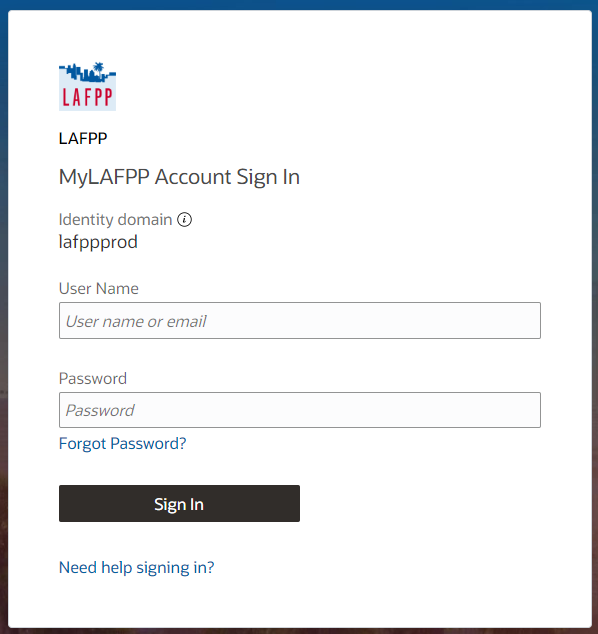
Enter your username and password, then click Log In.
Important: Passwords are case-sensitive.
2
Click Benefits & Calculator.

3
Under Calculate my Retirement Estimate, click Retirement Estimate.

4
New Calculation
Enter the corresponding numbers in the field. Then click Submit.
Important: Termination date defaults to your earliest retirement date. You may change the date based on your intended retirement date.

5
View your estimate by scrolling down. Estimates can also be printed or downloaded. Click on the printer icon to print or download by clicking the arrow pointing down with horizontal line. Icons can be found on the upper right of the page.

Contact Us
If you require further assistance please contact the Communications & Education Section at (213) 279-3155 or (844) 885-2377, Monday-Friday from 7:30 a.m. to 4:30 p.m. (PDT), excluding weekends and City Holidays.