

How to Update Email Address
LAFPP members, MyLAFPP is the easiest and fastest way to update your email address.
Important: In order to access your information, you must first register to the MyLAFPP member portal. Please refer to the Register to MyLAFPP manual located in our MyLAFPP Helpdesk.
1
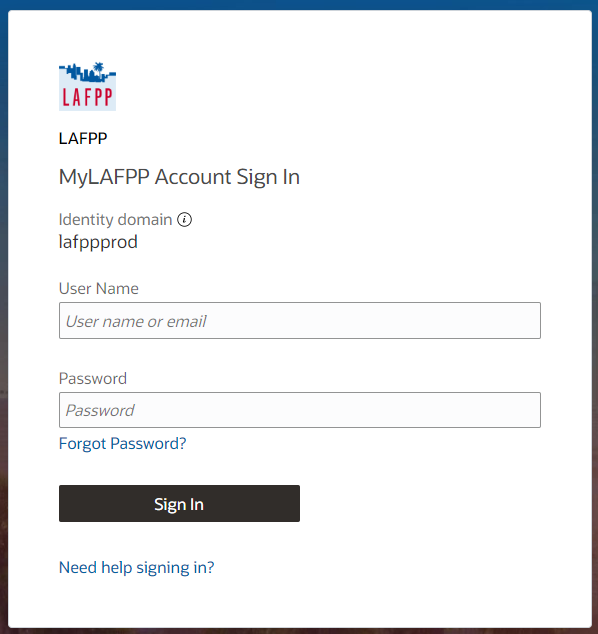
Log in to MyLAFPP. Enter your username and password, then click Log In.
Important: Passwords are case sensitive.
2
Click on the “+” symbol next to Personal Information, then click Personal Details.


3
Click on the Update Email Address

4
Click on New button

5
Enter your new email address and click submit. Done!

Contact Us
If you require further assistance please contact the Communications and Education Section at (213) 279-3155 or (844) 885-2377, Monday-Friday from 7:30 a.m. to 4:30 p.m. (PDT), excluding weekends and City Holidays.